WhatCable gives Apple Silicon Macs a free way to inspect USB-C cable limits
WhatCable is a free Mac app that reads USB-C cable speed, power, device, and e-marker data on Apple Silicon systems.


A new Mac utility is turning the everyday frustration of unlabeled USB-C cables into a software problem. WhatCable, a free and open-source menu bar app for Apple Silicon Macs, reads USB-C and USB Power Delivery details that macOS already exposes, then translates them into practical diagnostics about charging, data speed, video output, connected devices, and possible cable bottlenecks.
The app drew wider attention on July 13 after The Verge tested it across a drawer of cables and found that it could distinguish between charging-only, USB 2.0, USB 3, USB4, and Thunderbolt-class behavior in ways that cheap standalone testers often miss. The core idea is simple: modern USB-C cables with e-marker chips can report structured identity data, while the Mac can also see negotiated connection speed, power behavior, and connected-device details. WhatCable brings those signals into one readable interface.
Why it matters
USB-C has become the universal connector for laptops, displays, chargers, docks, and external storage, but the connector itself hides large differences. A cable that looks identical to another one may top out at 480 Mbps, support 10 Gbps data, carry display signals, or handle 100W or 240W charging. WhatCable tries to make those differences visible before a user blames the wrong charger, dock, drive, or Mac port.
The developer's site says the free version identifies cable speed, charging limits, e-marker data, and connected devices in plain English. It also flags mid-session faults such as dropped connections, checks data-speed bottlenecks, and can decode vendor identity and USB Power Delivery capability fields from marked cables. A companion command-line tool is included for users who prefer terminal output or structured JSON.
- The app requires macOS 14 or later on Apple Silicon Macs.
- The free core is MIT licensed, with an optional Pro upgrade priced at 9.99 pounds.
- The developer says the app does not use private APIs, helper daemons, analytics, or background uploads.
There are still limits. WhatCable cannot prove that every cable claim is truthful, and its own FAQ says fake-cable detection should be treated as a warning signal rather than a final verdict. Intel Macs are also unsupported because their controllers do not expose the same low-level USB Power Delivery state through public macOS APIs. Even so, the tool is a useful example of software surfacing hardware facts that were already present but hard for ordinary users to inspect.
Sources
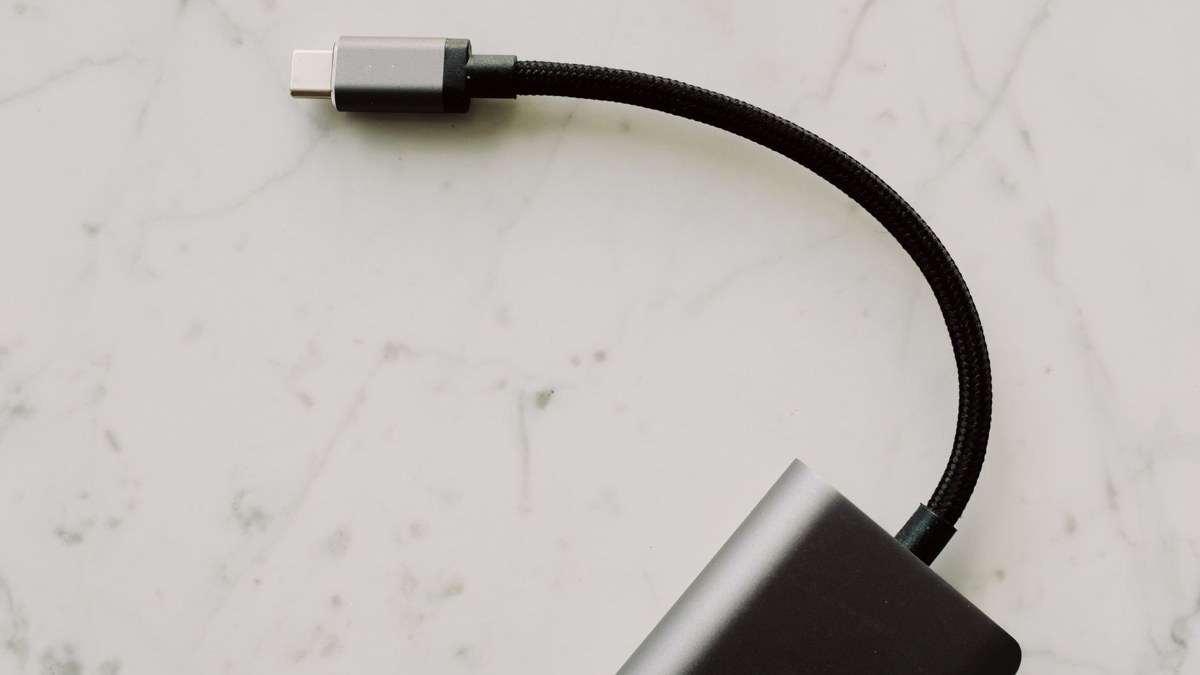
Cover photo by ready made on Pexels, used under the Pexels License.





Comments (0)
Leave a Comment