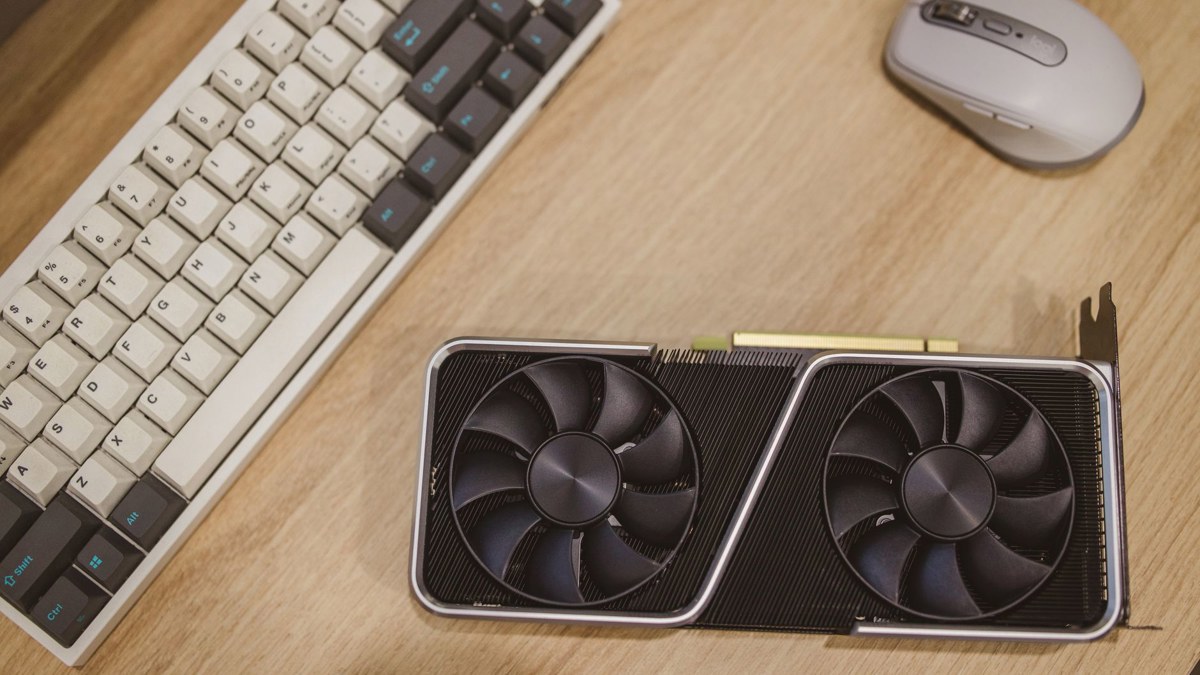
NVIDIA PAIR beta review: a useful local AI router if your spare GPUs are actually spare
NVIDIA PAIR beta turns spare RTX and Mac systems into a local AI cluster, but its value depends on idle hardware and flexible workloads.


NVIDIA PAIR is not a new graphics card, a cloud service, or a benchmark win in a box. It is a beta software router for local AI inference, and that framing matters. NVIDIA says PAIR connects compatible Windows, Linux, macOS, RTX, DGX Spark, and Apple M4-or-newer systems on a home network, then gives AI apps a single local endpoint that can route requests to available machines. For people already running Ollama or LM Studio, that is a practical idea: agent workflows often create several independent calls, and one busy GPU can become the bottleneck.
The strongest case for PAIR is local control. NVIDIA's product page says prompts, files, and agent context stay on the user's network instead of being sent to a cloud inference service. That makes PAIR more attractive than buying tokens for every background agent task, especially for developers working with private notes, local code, or experimental workflows. It also avoids asking users to rewrite tools around a new cluster API, because PAIR proxies familiar Ollama and LM Studio interfaces.
PAIR versus one local machine
| Decision point | NVIDIA PAIR | Single local PC |
|---|---|---|
| Best workload | Parallel agent or batch inference requests | One active chat or coding session |
| Setup | Install and pair multiple compatible devices | Install one inference backend |
| Reliability | Depends on available idle nodes | Predictable within one machine's limits |
| Privacy posture | Local network inference, according to NVIDIA | Local inference on one system |
Against a single workstation, PAIR's advantage is concurrency, not magic acceleration. Tom's Hardware describes it as dispatching agentic sub-tasks from a main PC to other systems with suitable spare GPU cycles. That can help when a larger agent goal splits into independent jobs. It is less compelling for one long request that must run start to finish on one model, because participating devices remain separate systems and PAIR does not combine them into one virtual GPU.
The limitations are just as important as the promise. PAIR depends on having more than one capable device on the same local network. NVIDIA lists support for GeForce RTX 20-series or newer GPUs, RTX Pro workstation GPUs using Turing architecture or newer, DGX Spark or GB10 systems, and Apple M4-or-newer silicon, with 8 GB RAM or higher and recommended 20 GB or more disk space. If your household has one gaming PC and a thin laptop without supported hardware, PAIR will not create capacity out of nothing.
It also has a beta-shaped reliability caveat. Tom's Hardware notes that other users may reclaim their GPUs for gaming, creative work, or their own AI tasks, and that quality of service is not assured when spare cycles disappear. That makes PAIR a better fit for long-running, interrupt-tolerant jobs than for deadline-sensitive production work. NVIDIA says elastic clients can contribute capacity when available and drop away when needed, but readers should treat that as an architectural strength rather than proof of measured uptime.
Verdict
PAIR earns a cautious recommendation for local AI enthusiasts, developers, and small labs that already own multiple supported machines and use Ollama or LM Studio. It is free, cross-platform, privacy-oriented, and thoughtfully positioned as a proxy instead of another full inference stack. But it is not a substitute for a real server, a cloud endpoint with service guarantees, or first-party benchmark evidence. For most people, one well-configured local machine remains simpler. For the right multi-device home or studio, PAIR could turn otherwise wasted hardware into genuinely useful headroom.
Sources
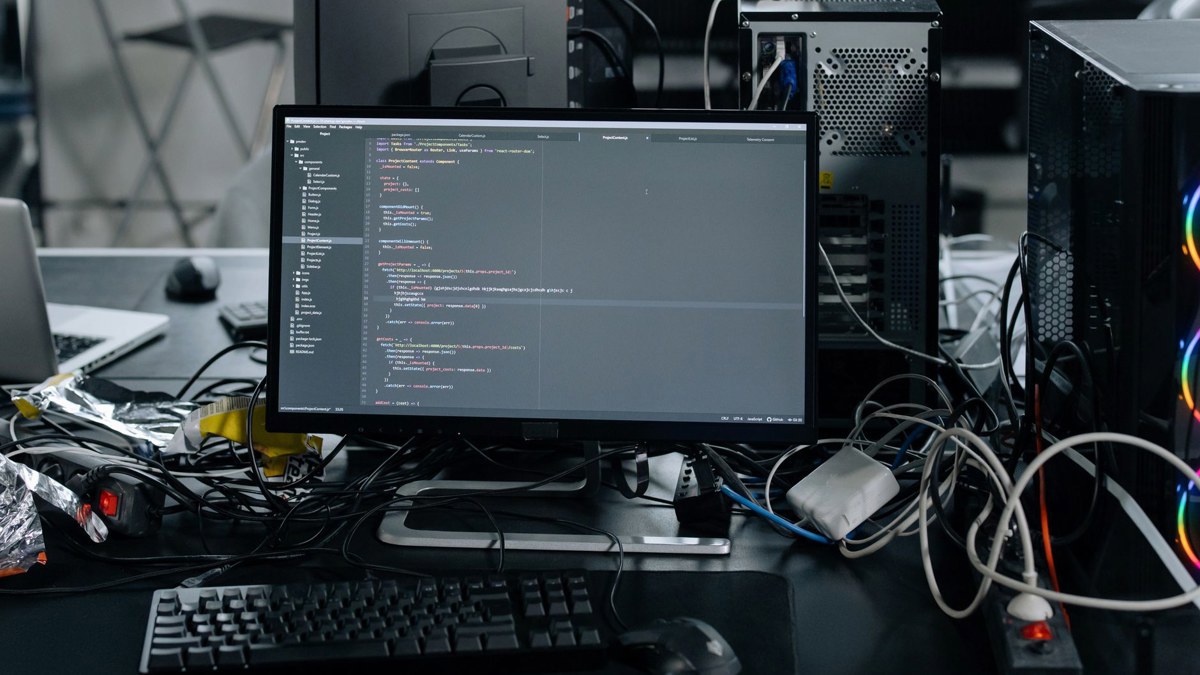
Cover photo by Trần Chính on Pexels, used under the Pexels License.
What supports the decision
Pros
- Routes local inference across supported RTX, DGX Spark, GB10, and Apple M4-or-newer systems.
- Works with familiar Ollama and LM Studio interfaces instead of requiring a new app API.
- Designed to keep prompts, files, and agent context on the local network.
- Elastic node participation can use idle machines without reserving them permanently.
Cons
- Practical benefit depends on owning multiple compatible machines with spare compute.
- PAIR does not merge devices into one virtual GPU for oversized single-model workloads.
- Beta quality and changing idle-node availability make service levels uncertain.
- No independent benchmarks yet to quantify real speedups across common agent workloads.
Key Specs


Comments (0)
Leave a Comment